LK links (choose according to your device and realmeui version)
Chapter 2: Flashing Custom Recoveries and Custom ROMS
First, you need to flash patched LK to access the bootloader to flash TWRP.
Now, download the one for your device and paste it in MTKclient folder.
Take backup of your existing LK first (IMPORTANT)
Take backup: python mtk r lk lk.img
Your LK will be pasted in the MTKclient folder itself.
If anything goes wrong after flashing the patched LK you can easily flash your default one by: python mtk w lk lk.img
So now, to flash the patched LK, run the command: python mtk w lk lk.bin
When the process is complete, disconnect usb and hold volume down and power at the same time until you see this on the phone.
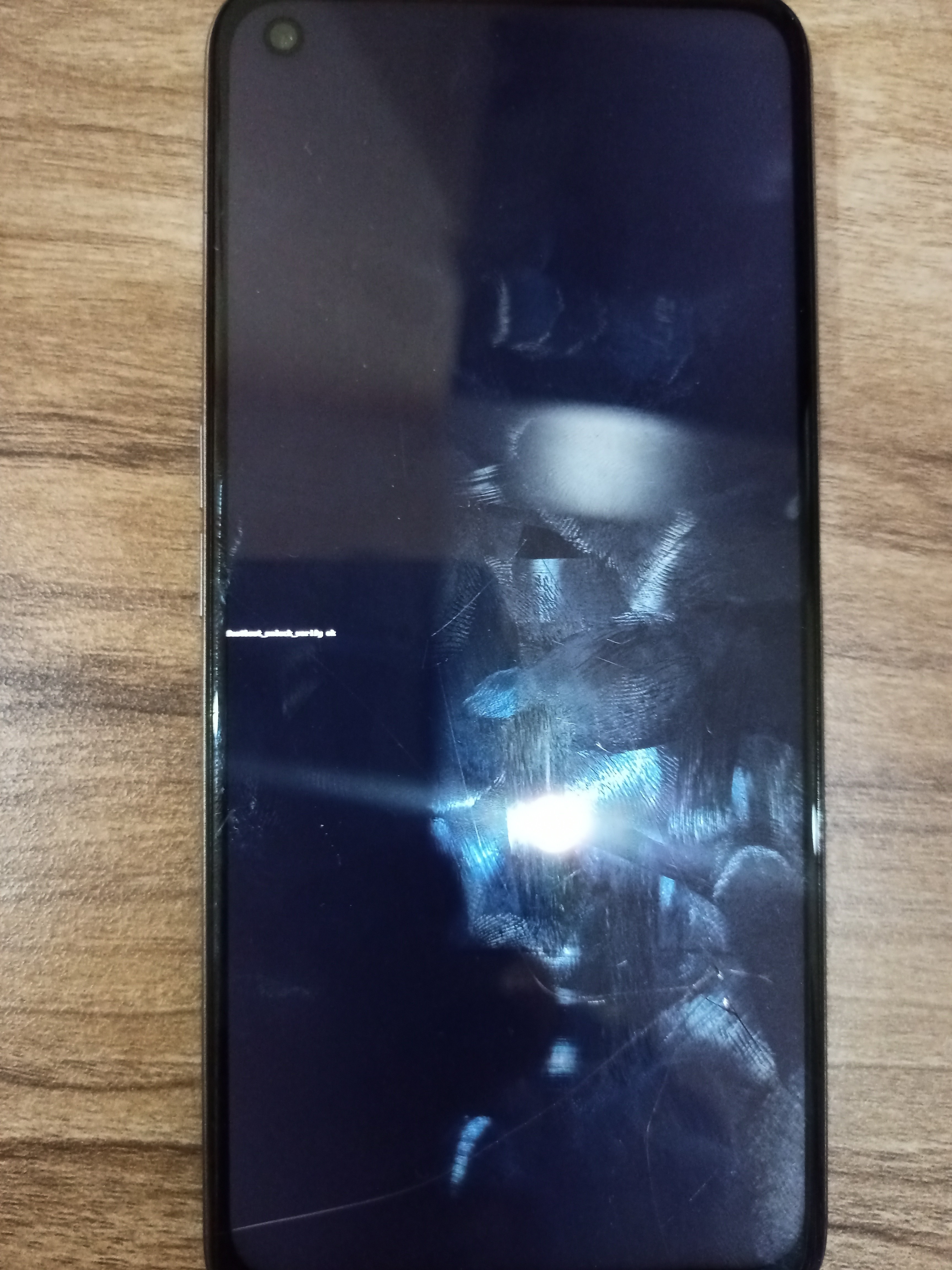
Now you are inside fastboot mode.
You can flash TWRP now.
Download TWRP from here:
And rename it to recovery.img
Now you need platform tools and ADB Drivers:
And extract it, then paste the extracted folder in your C drive.
Now follow this guide:
After this is done, open cmd or Powershell inside the platform-tools folder.
Paste the recovery.img in the platform-tools folder.
Type fastboot devices to see if your device is detected.
Now, type fastboot flash recovery recovery.img
After it's completed, type fastboot reboot recovery to go to recovery.
Note: if you want to goto system, remember that realmeUI will replace TWRP with the stock recovery every time you go into system.
After you've done, you can download ROMs from here:
Finally, to flash a ROM:
That's all, enjoy!